YouGooDai
Mobile of the Day

YouGooDai

5.0 FREE
  • Screenshot 1
  • Screenshot 2

Description

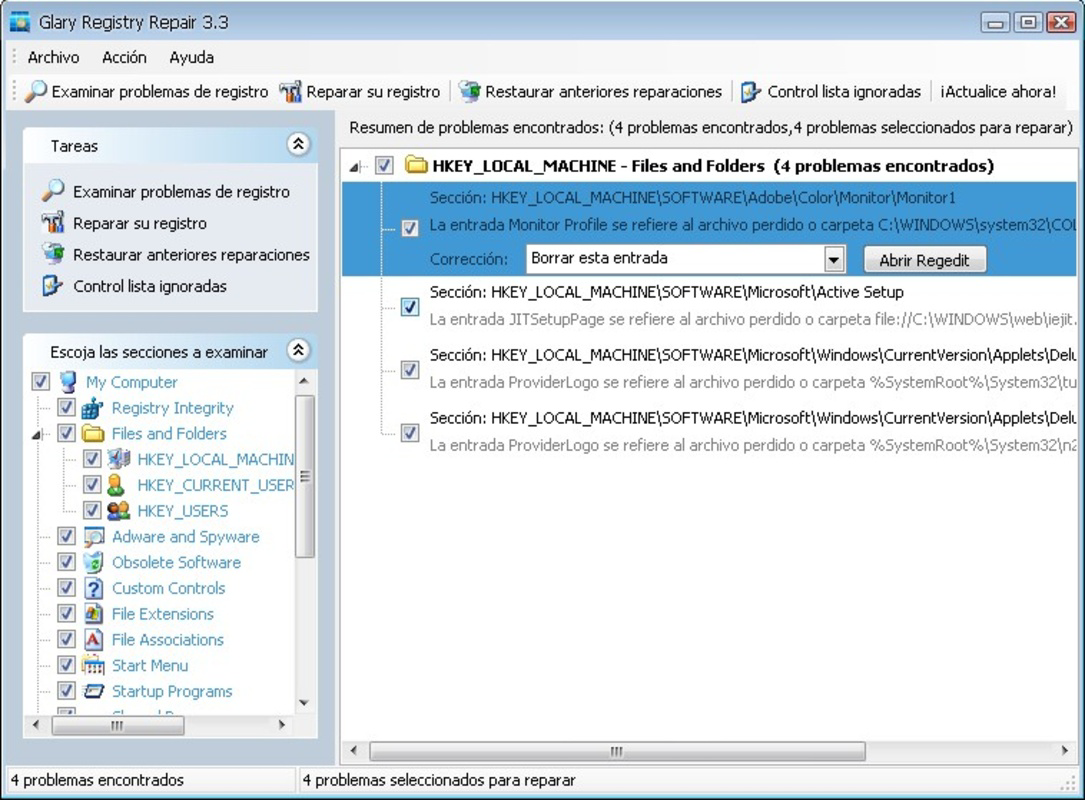
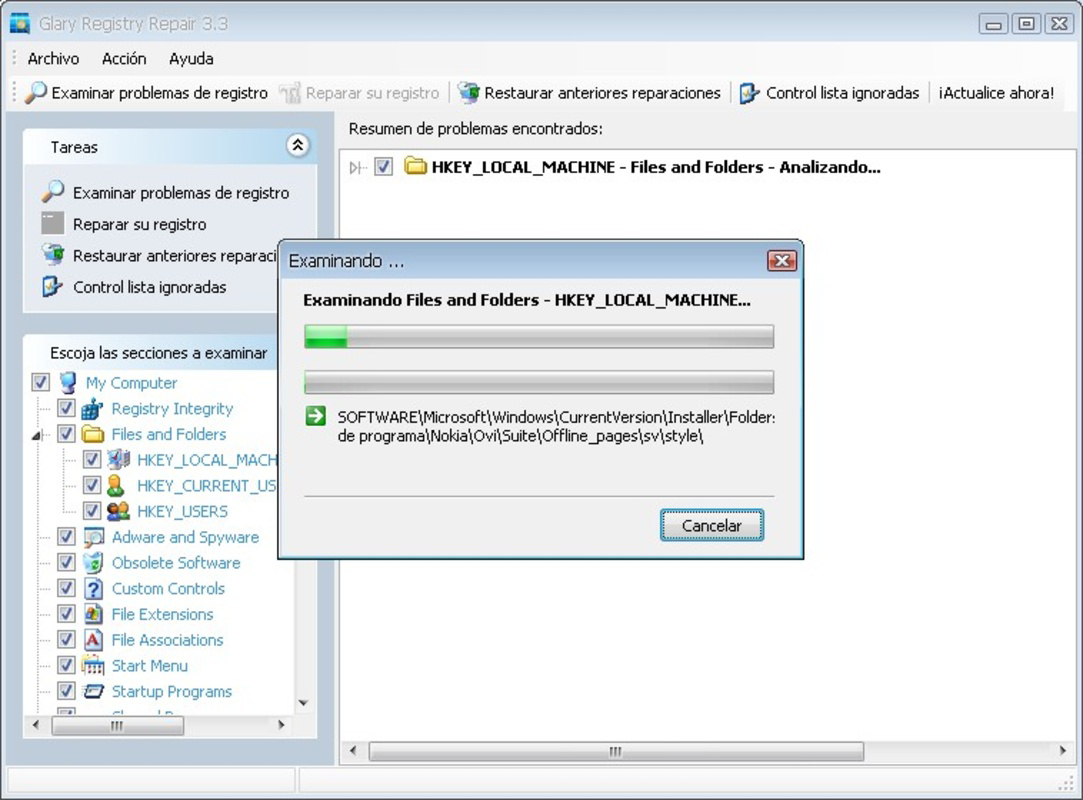
About Glarysoft Registry RepairGlarysoft Registry Repair is a free Windows application designed to scan your registry for obsolete entries that can slow down your system. By removing these unnecessary entries, users can enhance their operating system's speed and overall performance. It is an essential tool for maintaining a healthy and efficient PC environment. Features of Glarysoft Registry Repair - User-Friendly Interface: Glarysoft Registry Repair features a simple and intuitive interface that makes it easy for users to navigate through its functionalities. Even those with limited technical knowledge can operate the software efficiently. The layout is designed for quick access to scanning and repair options. - Comprehensive Scanning: This application performs thorough scans of the Windows registry to identify and pinpoint any invalid or redundant entries. Users can count on an in-depth examination of their registry, ensuring that no problematic entries are left unchecked. This helps to ensure maximum system performance. - Safe Deletion Options: Glarysoft Registry Repair allows users to create backup copies of registry entries prior to deletion. This precautionary feature ensures that users can restore their registry to its previous state if needed. This adds a layer of safety and peace of mind during the cleaning process. - Performance Boost: By removing unnecessary registry entries, the software significantly enhances the speed and efficiency of your operating system. Users may notice faster boot times and improved response from applications after running a registry clean-up. This makes it an essential tool for those looking to optimize their PC performance. - Regular Updates: Glarysoft provides regular updates for the Registry Repair tool, ensuring that it stays compatible with the latest versions of Windows. These updates often include new features and improvements in scanning algorithms. Keeping the software updated is crucial for ongoing performance maintenance. Release Date of Glarysoft Registry Repair 2025-07-21Reviewed by Thomas P. LarsonShow MoreShow Less

Guides & Tutorials for Glarysoft Registry Repair

How to install Glarysoft Registry Repair
  1. Click the Preview / Download button above.
  2. Once redirected, accept the terms and click Install.
  3. Wait for the Glarysoft Registry Repair download to finish on your device.
How to use Glarysoft Registry Repair

This software is primarily used for its core features described above. Open the app after installation to explore its capabilities.

User Reviews for Glarysoft Registry Repair 0

    No reviews found

Similar Apps
